


LED lights can flicker when dimming because the dimmer and driver are incompatible, the requested light level is below the system’s stable dimming range, or circuit conditions disturb the driver’s output. Identify the exact fixture, driver and control combination before replacing parts.
A fixture labelled “dimmable” is not automatically compatible with every dimmer or control system.
For a commercial project, this matters before a replacement order, sample approval or site change is made. The same fixture can behave differently when the driver option, dimming interface, circuit load or control equipment changes.
Electrical safety: Investigation and electrical work must be carried out by a qualified installer. This guide is a project-information checklist, not a substitute for site testing, manufacturer instructions or local electrical requirements.
Why dimming can cause LED flicker
An LED driver regulates the electrical current supplied to the LED module. LEDs respond quickly to changes in that current, so unstable driver output can become visible as flicker. A symptom alone does not identify which component is responsible.
- Control compatibility: a phase-cut dimmer changes the mains waveform. The driver must support the selected forward- or reverse-phase control; 0-10V and DALI require their corresponding driver interfaces.
- Low-end operating range: the requested dimming level may be below the stable range of the selected combination. A qualified installer should check the manufacturer’s permitted range and commissioning instructions, rather than assume every fitting can dim to 1%.
- Load and installation conditions: fitting count, control loading limits and wiring conditions can affect performance. Use LED-specific manufacturer limits, not the dimmer’s incandescent wattage rating alone.
For technical background, see Lutron’s LED dimming white paper. It explains system-level considerations; it is not a compatibility approval for a KLM model.
Step 1: Record when the flicker occurs
Record exactly when the flicker happens. That helps the project team ask the right compatibility question without claiming a diagnosis from a photo or a general rule.
| What you observe | Record before changing anything | What it does not prove by itself |
|---|---|---|
| Flicker at switch-on | Fixture, driver and control model; whether it settles or continues | That the fixture alone is defective |
| Flicker across the dimming range | Control method, dimmer/controller model and number of fittings | That all dimmers using the same method behave alike |
| Flicker near the low end | The approximate setting where it begins and the current project load | That the driver can be changed without reviewing the system |
| Buzzing, delayed start or pop-on | Symptom, date observed and whether every fitting is affected | That a visual inspection has identified the root cause |
| Flicker affecting several fittings | Circuit information and whether other equipment starts at the same time | That the luminaire specification is the only issue |
Step 2: Collect the five details for a technical check
Before asking KLM or the control manufacturer for help, collect these details in one place:
- Luminaire model and quantity – include the affected fittings and the total fittings on the control circuit.
- Driver model and input – use the label, data sheet or verified order record; do not describe it only as “dimmable.”
- Control equipment – capture the dimmer, controller or system model and the stated dimming method.
- Symptom pattern – note whether the problem occurs at start-up, throughout dimming, only near the low end or intermittently.
- Project conditions – record country, site supply details, circuit information and any recent change to fittings, controls or the installation.
Clear label photos and the relevant project drawing are usually more useful than a general room image.
Step 3: Check the dimming method and controls
The control method is only one part of compatibility. Phase-cut/TRIAC, 0-10V, DALI and other systems use different control arrangements, and a selected driver must be intended for the actual method and project configuration.
| Project situation | First compatibility question | Do not assume |
|---|---|---|
| Existing phase-cut dimmer | Is the selected driver/fixture specifically compatible with that dimmer and phase arrangement? | That any phase-cut dimmer works with any dimmable LED |
| 0-10V project | Does the driver option match the required control signal and project wiring scheme? | That a fixture with a different dimming option can be substituted without review |
| DALI project | Does the selected driver and control setup match the required DALI function and commissioning scope? | That the word “DALI” alone confirms every feature or configuration |
| Mixed or upgraded circuit | Are all fixtures, drivers and controls documented as one intended combination? | That a successful test on another circuit proves this installation |
KLM’s LED dimming-method guide explains the common control-method categories. Use it to frame the project question, then confirm the actual model combination before ordering or changing equipment.
Step 4: Review the driver and fixture together
The driver is part of the luminaire system. A model number, dimming input and final control requirement need to be reviewed together. Do not use a previous project, a similar-looking driver or an internet compatibility list as approval for a different configuration.
For KLM commercial LED downlights and LED track lights, specify the required control method in the RFQ and ask for confirmation against the selected product and project arrangement.
Product categories can show available families and applications; they do not replace a configuration-specific compatibility confirmation.
Step 5: Review circuit conditions before replacement
For a commercial site, the team should also review the information that can change behaviour beyond the individual fixture:
- number of fittings on the affected circuit;
- stated load conditions from the relevant manufacturer documentation;
- whether all affected fittings use the same driver and control configuration;
- whether the issue is limited to one circuit or appears in multiple areas;
- whether recent installation, control or fixture changes occurred.
This keeps the replacement discussion evidence-led. It also avoids promising that changing one component will solve a symptom that has not been assessed at system level.
KLM Practical Note
KLM’s public product categories describe commercial downlight and track-light ranges with multiple control options. The selection of a dimming option still needs to be confirmed for the final fixture, driver, control method and project arrangement.
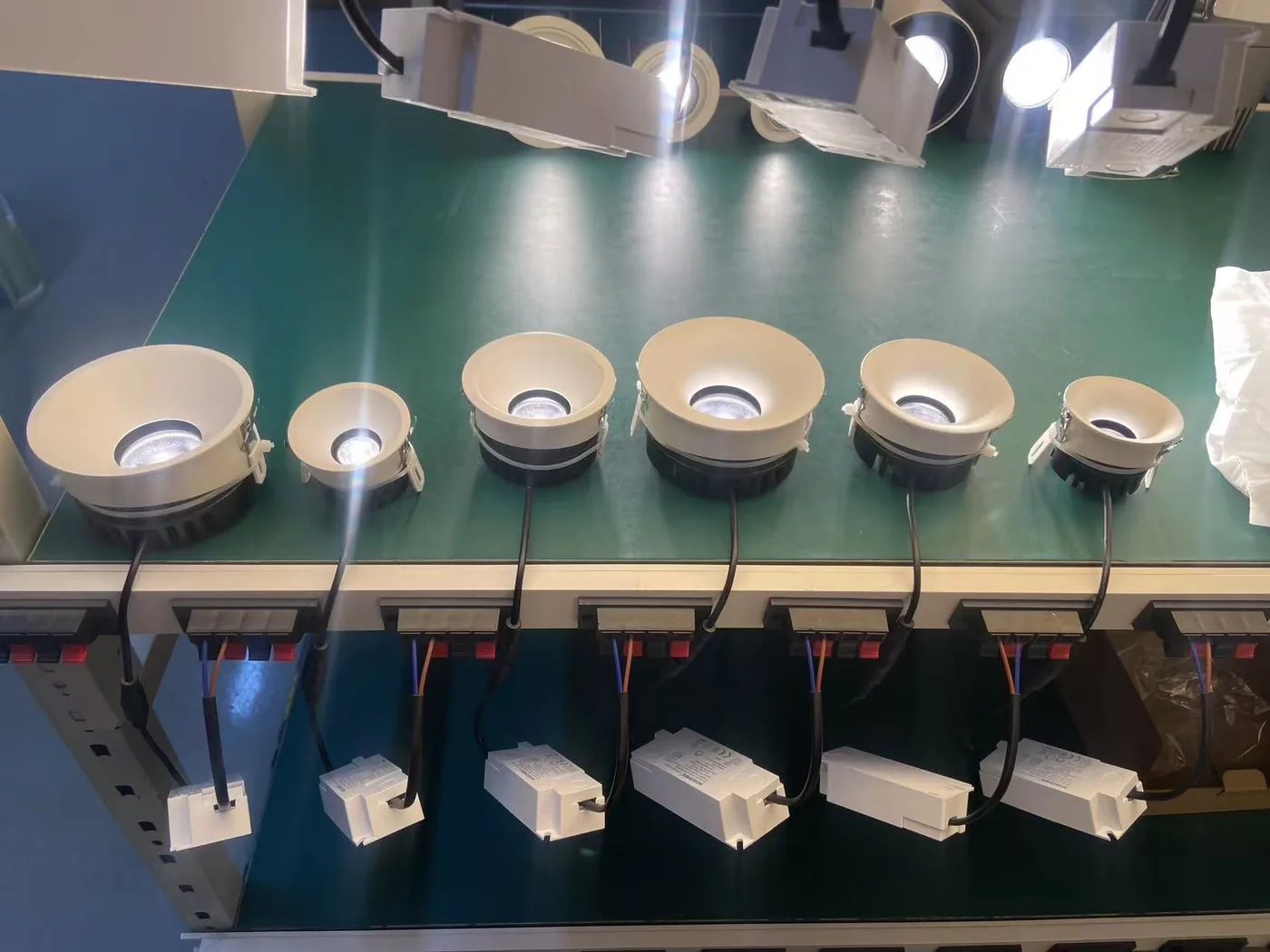
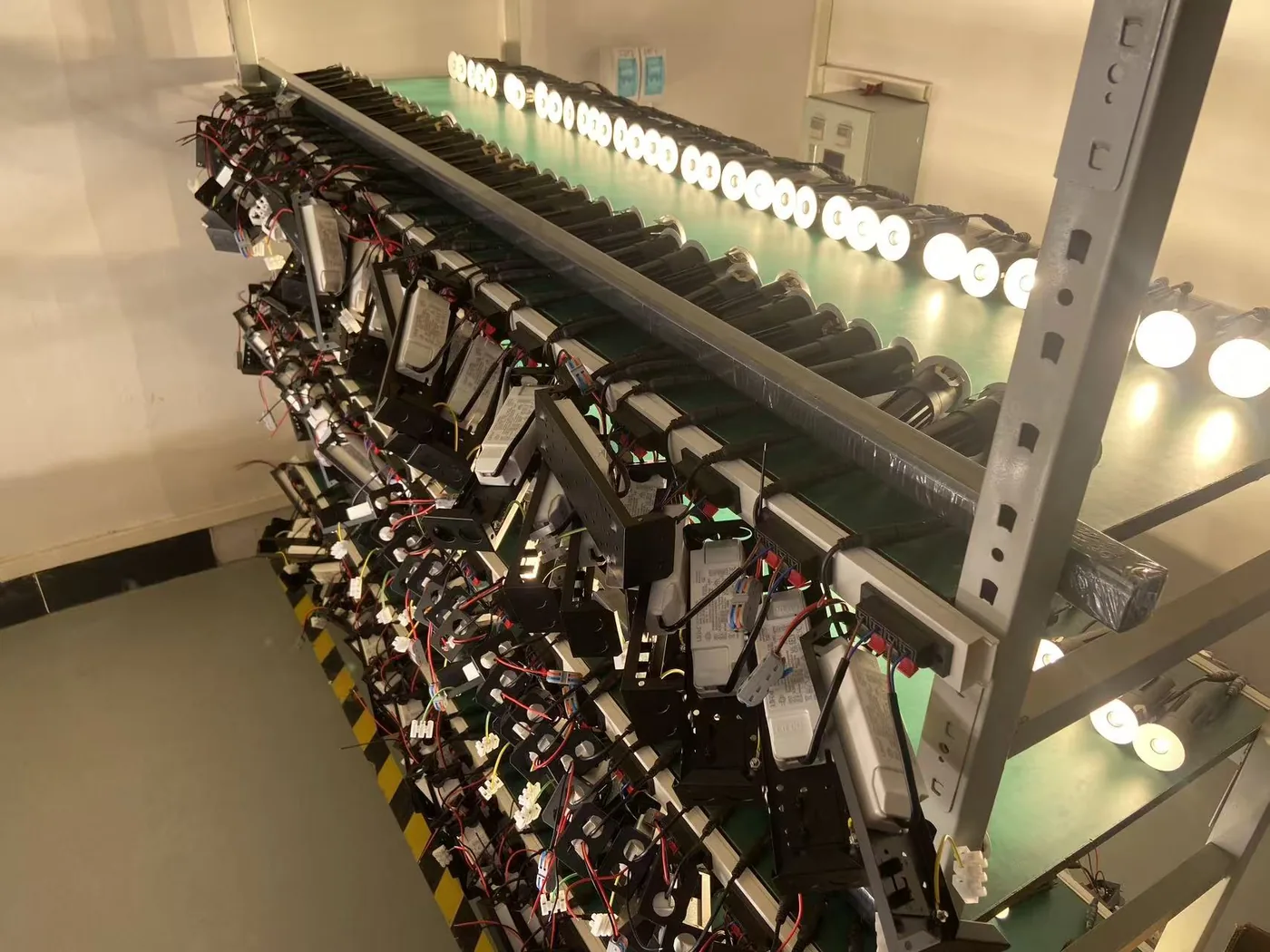
KLM’s own downlight factory photos show powered production-test context, but they do not establish compatibility with a named dimmer, a measured flicker result or a customer-site installation outcome. Treat test evidence and compatibility evidence as separate records.
What to send KLM Lighting for a project review
Send the fixture model, driver label, control model, control method, quantity on the circuit, symptom pattern, country and relevant drawing or label photos. KLM can then identify the information that needs confirmation before a sample, replacement or quotation decision.
FAQ
Why do LED lights flicker at low dimming levels?
The requested level may be below the stable operating range of the selected driver and dimmer. First confirm compatibility. Where the control manufacturer provides a low-end trim adjustment, a qualified installer can set the minimum level within the supported range. Trim does not make incompatible equipment compatible.
Does “dimmable” mean the light will work with every LED dimmer?
No. “Dimmable” does not by itself identify the required driver option, dimming method or compatible control equipment. Confirm the complete combination.
Why can TRIAC or phase-cut dimming cause flicker?
Phase-cut controls alter the AC supply waveform. The LED driver must support the control’s specified dimming method, and the connected load must be within the manufacturer’s limits. Check the exact driver and dimmer models rather than relying on a general “TRIAC dimmable” label.
What minimum load does an LED dimmer need?
There is no single minimum load that applies to every LED dimmer. Check the control manufacturer’s LED load limits and compatibility guidance for the selected fittings and driver. Do not use an incandescent wattage rating as proof of LED compatibility or add an improvised resistor to cure flicker.
Will switching to 0-10V or DALI eliminate flicker?
Not automatically. A control protocol does not guarantee the light output of every driver and fixture. The replacement method must suit the project’s wiring, controls and selected driver. Confirm the supported dimming range and evaluate the complete combination before specifying a change.
Why do dimmed LED lights buzz as well as flicker?
Noise can be associated with the dimmer, driver or another component, but a sound description alone does not identify the cause. Record where the noise occurs and at which dimming levels, then have a qualified installer check the equipment and manufacturer guidance. Stop using affected equipment and arrange inspection if there is burning smell, visible damage or abnormal heat.
Can I replace only the driver to solve flickering?
Do not assume so. First identify the selected fixture, driver, control method and circuit conditions. A replacement should be reviewed against the full system and carried out by a qualified installer.
What should I photograph for a dimming compatibility check?
Provide clear photos of the fixture and driver labels, the control equipment label, the affected installation and any relevant project drawing. Include a note on the symptom and the number of fittings on the circuit.
Discuss the exact project combination
Contact KLM with the fixture, driver and control details before replacing or ordering a dimmable commercial lighting configuration.
