


Zoomable track lights adjust the size of the light beam; shapeable or framing track lights control its outline. For changing exhibitions, zoom helps adapt coverage to different artwork sizes. For a painting that should stand apart from its surrounding wall, framing helps define the illuminated boundary. A sculpture or a continuous display wall may call for a different lighting approach.
The starting point is the visual role of the exhibit: should the artwork stand apart from its surroundings, should its texture and volume be revealed, or should a group of works share an evenly lit wall?
Shapeable track lighting: control light around the painting
A conventional spotlight can illuminate a painting while also leaving a visible pool of light on the surrounding wall. That may suit a bright gallery, but it can weaken an effect built around a darker background.
A framing spotlight uses optical shaping controls to define the illuminated area more closely around a flat artwork. Depending on the fixture and setup, its boundary can be adjusted and focused to suit the composition. This is useful when the lighting concept calls for emphasis on the picture rather than a circular patch of wall.
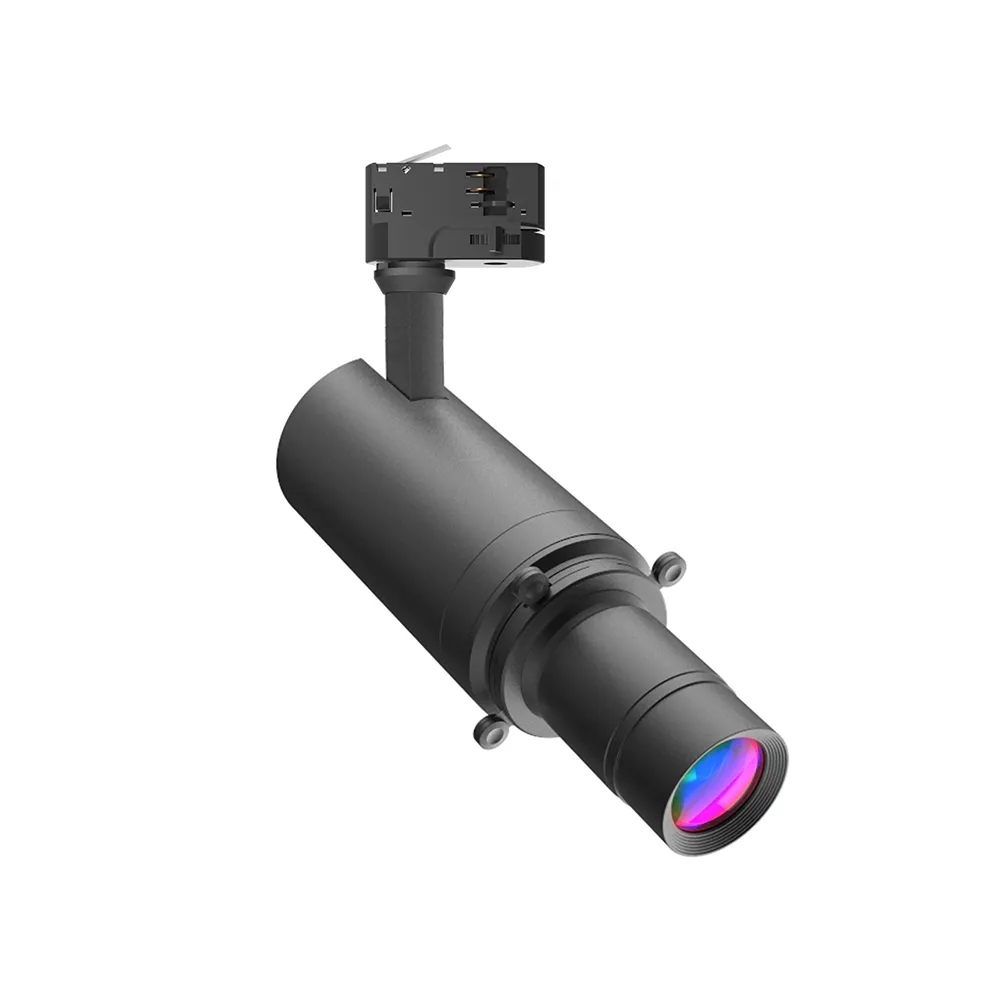
Framing still requires careful aiming. On blade-equipped framing optics, move the individual blades to trim the illuminated boundary to the artwork, then use the focus adjustment provided by that model to refine the edge. Zoom changes coverage; it does not by itself turn a circular spot into a rectangular frame. The track position, projection angle and optical adjustment determine the final result, so perfect coverage or zero spill should not be assumed.

Zoomable track lighting: adapt the beam when exhibitions change
Narrow and wide beam coverage
A narrow beam concentrates the illuminated area; a wider beam covers a larger area at the same distance. The illustration shows how turning the zoom ring changes the beam. Aim and dim the fixture to suit the artwork after adjusting the coverage.

A rotating exhibition may replace several small pictures with one larger work. A zoomable spotlight allows the beam width to be adjusted within the selected model’s range, giving the gallery another way to adapt coverage as the display changes.
Zooming does not independently solve every aiming or brightness issue. A wider beam changes the distribution of light, and the fixture may also need repositioning, re-aiming or dimming. The desired result should be reviewed on the exhibit, not judged by the beam-angle number alone.
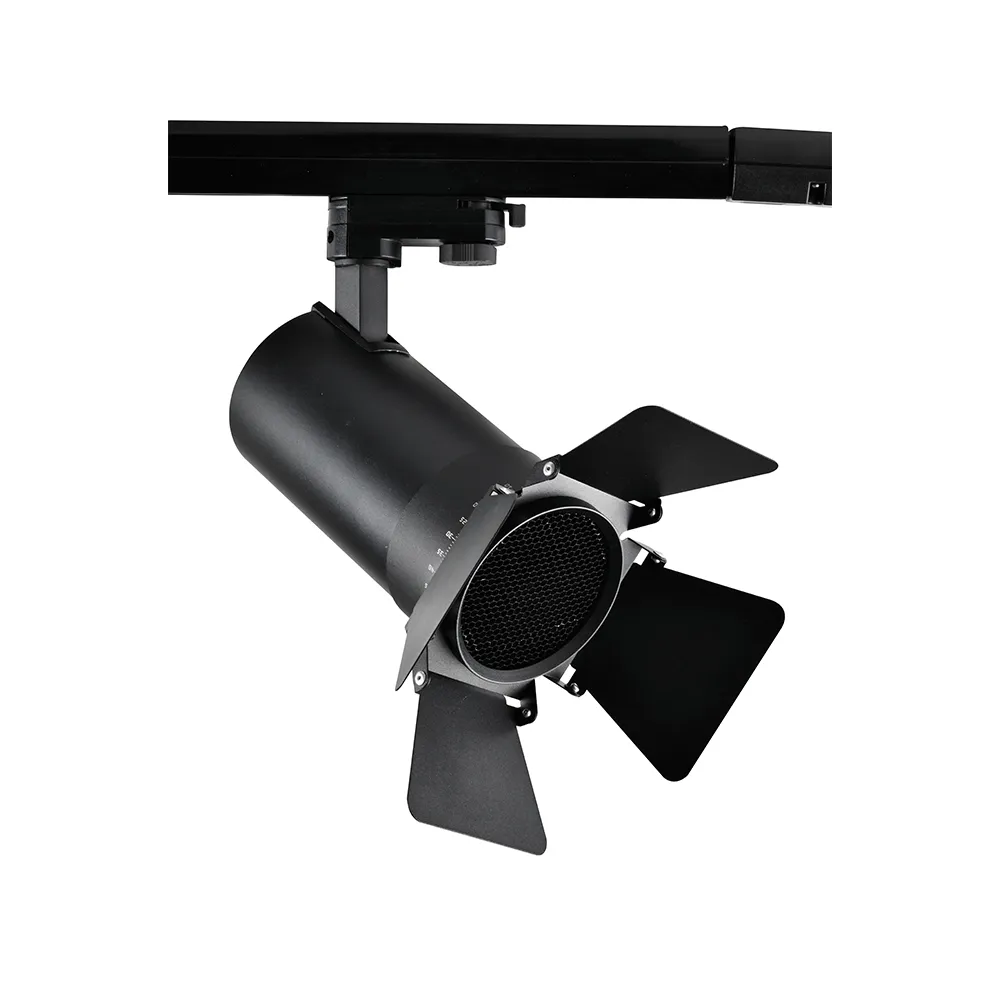
Adjust the light coverage at the fixture
On the manual-zoom design illustrated here, turn the graduated zoom ring to adjust the beam, rather than unscrewing the front retaining ring. The operating instructions distinguish these parts because loosening the front ring can disturb the alignment of the angle markings. Adjust gently and judge the coverage on the artwork; the ring position alone does not establish illuminance.

Lighting sculptures: use direction and shadow to reveal form
A three-dimensional object needs a different approach from a flat picture. Light direction and shadow help visitors read the object’s form. A zoomable accent light can help adjust coverage, while the position and balance of the lighting determine how much texture, depth and modelling remain visible.
A rectangular framing effect is therefore not automatically the right treatment for a sculpture. Choose the lighting effect around the object and its viewing positions.
Lighting a gallery wall: when individual accents are not the goal
Individual framed accents are one option, not the default for every museum wall. A bright gallery with a sequence of works may call for a more continuous wallwashing approach. The choice is between different exhibition effects, rather than a claim that one optic is universally better.
Zoomable vs shapeable track lights: what changes on the exhibit?
| Project decision | Zoomable track light | Shapeable / framing track light |
|---|---|---|
| Main adjustment | Widen or narrow the beam within the model’s zoom range. | Trim the illuminated outline using the model’s framing controls. |
| Typical use | Changing picture sizes, movable displays and adjustable accent coverage. | Flat artworks where the light boundary should follow the picture more closely. |
| What to check on site | Coverage, aiming and brightness on the exhibit after zooming. | Boundary shape, edge focus and spill at the actual projection angle. |
| Important distinction | Zoom alone does not create a rectangular light field. | A framing model may also have zoom; its zoom range is model-specific. |
| Explore KLM products | Zoomable museum track lights | Shapeable museum track lights |
Colour, reflections and dimming complete the museum lighting effect
Use dimming to balance the exhibit against its surroundings, rather than treating maximum brightness as the target. Check the intended colour rendering and consistency for the selected configuration, and review glazed artwork from the visitor’s position. Beam control is only one part of museum lighting. Reflections on glazing, visitor glare, colour rendering and the intended viewing positions also affect the experience. For sensitive collections, the responsible museum team must establish suitable illumination and exposure requirements; zoom or framing capability alone does not establish conservation suitability.
Make adjustments with the right controls
Use the instructions for the selected luminaire and control version. Isolate the supply before installing or removing a track-mounted fixture or changing accessories that require disassembly. Keep optical surfaces clean, do not force adjustment parts, and do not press or deform the track contacts. A digital display or colour-tuning control is a configuration option, not a feature shared by every track light.
Find the KLM track light for your exhibition effect
KLM’s museum zoomable track lights and shapeable track lights provide product routes for evaluating these different lighting objectives. Exact optical functions, beam ranges, output and control options must be confirmed for the chosen model.
For a museum, gallery or exhibition project, discuss the intended lighting effect with KLM: a defined artwork boundary, adaptable exhibit coverage or a balanced display wall.
For a wider project overview, explore KLM LED track lighting. For more on adjustable coverage, see zoomable gallery track spotlights.
